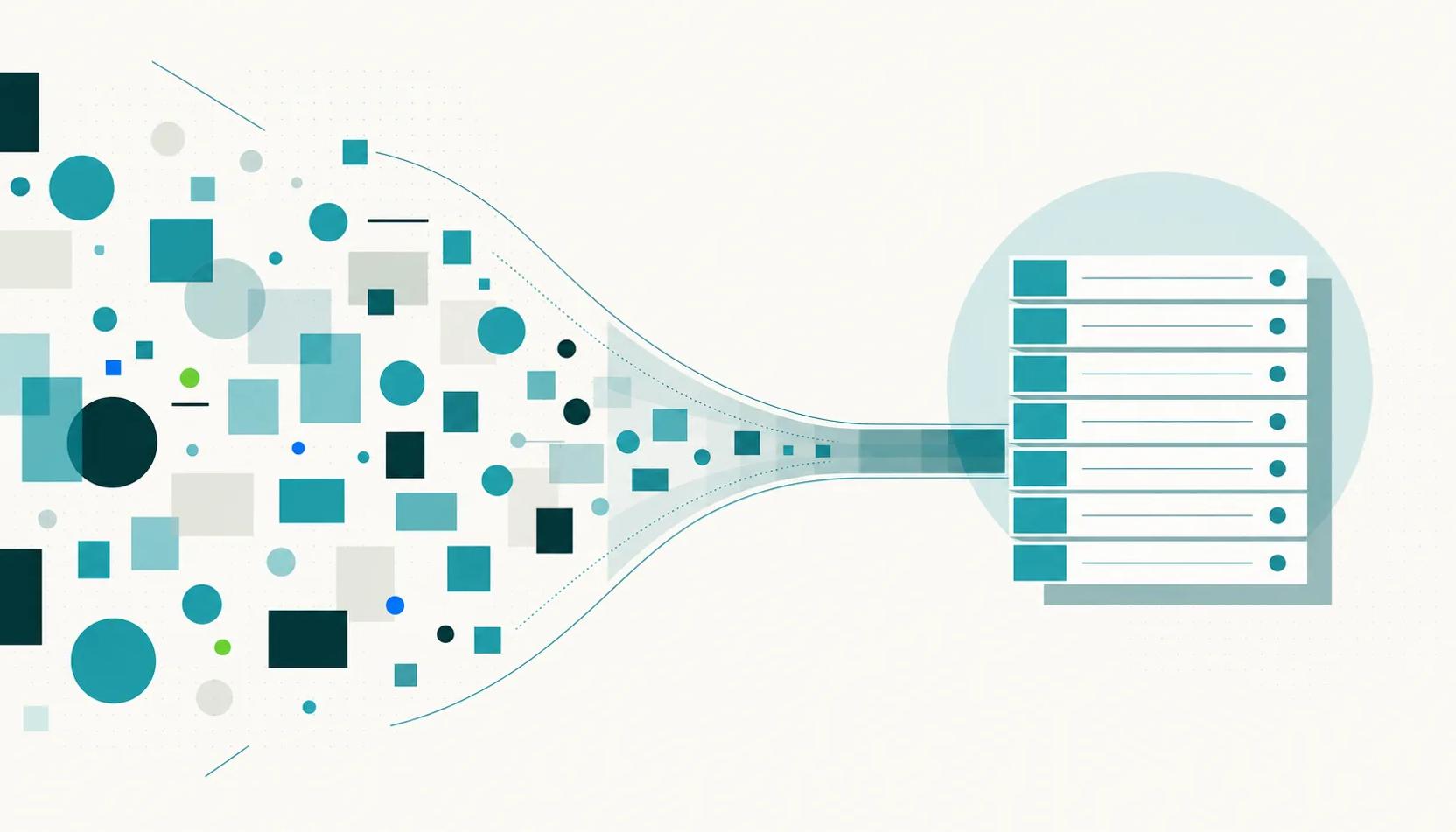
Automating utility reporting means replacing the monthly grind of collecting invoices, keying in data, checking charges, and compiling client reports with software that runs each step on a schedule. For an energy consultant, it turns a multi-day manual process into a validated data feed that produces branded reports without an analyst touching a spreadsheet. The payoff is capacity: hours that shift from data wrangling to the advisory work clients actually pay for.
Why does manual reporting stop scaling?
A consultancy with 20 clients can hand-compile reports each month. The same process breaks under 150 clients across a thousand-plus sites, where it takes a team of analysts working full time on data entry and reconciliation. The problem is structural, not effort: manual reporting scales linearly, so every new client adds a fixed block of admin work that caps how many accounts each person can carry.
Cost: Data processing and report compilation for a 150-client book can run several hundred thousand dollars a year in analyst salaries alone, before software. That cost grows with the client list rather than flattening.
Errors: Hand-keying invoice data introduces mistakes. A wrong digit in an account number, meter read, or service date flows straight into overpayments, late fees, and incorrect cost allocations that surface only when a client queries the report.
Delay: When reporting is manual, ad hoc client questions wait days for an answer because someone has to go back to the source data. That lag is the opposite of the responsiveness a client expects from a trusted advisor.
Which parts of the reporting workflow can be automated?
Utility reporting is a pipeline of five stages. Each one can be automated, and the value compounds because a validated feed at the start produces trustworthy reports at the end.
Data collection: Invoices arrive from multiple retailers, interval data sits in AEMO's metering systems, and sub-meters produce their own feeds. Automated collection ingests all of it through email, SFTP, and API, so no one is downloading files from a dozen retailer portals by hand.
Invoice extraction: The hardest step to automate is turning a PDF, image, or CSV invoice into structured rate, charge, and consumption data. Modern extraction reads each field, scores its own confidence, and routes only the low-confidence ones to a human, instead of asking a person to re-key every line.
Validation: Once data is structured, every charge can be checked automatically against contracted rates and published network tariffs. This is where automation earns its keep, catching the billing errors that manual reporting quietly passes through to the client.
Analysis and benchmarking: Consumption trends, site-by-site comparisons, and anomaly detection run continuously on the validated feed, so a cost blowout at one site shows up as an alert rather than a surprise on next month's invoice.
Report generation and distribution: Branded monthly summaries, quarterly budget reviews, and annual emissions reports generate and send on a schedule, in PDF, Excel, or CSV, without anyone assembling them by hand.
How much time does reporting automation actually save?
The published benchmarks are directional, drawn from organisations automating their own bill processing rather than from consultancies, but the pattern is consistent. Teams that automate utility bill entry report a material cut in the staff time spent on it each month. One US school district removed 46 hours of monthly data-entry work by moving off manual entry, and a city that switched to electronic bill processing cut the staff time spent tracking usage by around 85 percent.
For a consultant, those hours are not just cost savings. They are billable advisory capacity. Every hour not spent reconciling an invoice is an hour available for procurement strategy, a client review, or winning the next account. That is the real return: automation raises the number of clients each consultant can carry, and lifts the margin on every one of them.
What should energy consultants look for in reporting automation software?
Not every tool that claims automation is built for Australian energy consulting. Five capabilities separate software that carries a client book from software that adds another silo.
Australian market depth: The platform must understand NMIs and MIRNs, NEM network tariffs, DNSP billing structures, and AEMO data formats. A tool built for another market will mishandle the detail that Australian commercial billing turns on.
Multi-utility coverage: Clients consume more than electricity. Gas, water and LPG belong in the same unified feed, or you are back to running parallel systems for everything else.
Any-format invoice ingestion: Invoices arrive as PDFs, CSVs, EDI files, email attachments, and images. If your team still keys data in before the software can use it, the automation promise has already broken.
Validation built in, not bolted on: Storing and charting data is not the same as checking it. The platform should validate every charge against contract terms and tariffs, so the reports you send are defensible.
White-label client delivery: Automated reports should reach clients under your brand, on your domain, reinforcing your relationship rather than a vendor's. Delivery is where the automation becomes visible to the client.
How Utilified automates utility reporting for consultants
Utilified was built for this workflow end to end. UMS, the unified utility management system, is the operational backbone: it collects data automatically across electricity, gas, water and LPG, and holds every client, account, and connection in one place instead of a folder of spreadsheets.
Joule, the intelligence layer, handles the two hardest stages. Joule Invoice Reading turns messy invoices and retailer proposals into structured data, scoring each read and linking it to its source so a person reviews the reads that need it. UMS then validates charges against contract terms and tariffs, turning raw data into decisions rather than another dashboard to interpret.
Delivery runs through UMP, the white-label portal. Consultants configure branded reports once and distribute them on a schedule under their own brand and domain, and clients can ask Joule plain-language questions such as which sites carry the highest demand charges. The result is a reporting practice that grows with the client list instead of the headcount. See how the Utilified platform fits together.
Book a demo and see your brand on the platform →
Frequently asked questions
Can utility reporting be fully automated?
Almost. Collection, validation, analysis, and distribution can run without manual work. The one step that keeps a human in the loop is reviewing low-confidence invoice extractions, where the software flags a field it isn't sure about rather than guessing. That review is minutes a month, not days.
Does automating reports replace the consultant's role?
No. It removes the data-processing work, not the advisory work. When clients can see their own validated data and reports arrive on time, the consultant's conversations move from delivering numbers to interpreting them, which is where the margin and the relationship live.
What data sources can be automated in the Australian market?
Retailer invoices, AEMO interval and metering data, sub-meter feeds, and contract and tariff records can all be collected and reconciled automatically. The key is a platform that natively understands NMIs, MIRNs, and NEM tariff structures rather than treating them as generic fields.
How long does it take to move off manual reporting?
A white-label platform that sits on an existing utility management system can be deployed in weeks, not the months a custom build takes, because the data feeds, validation rules, and reporting engine already exist. Onboarding is mostly connecting client accounts and configuring the branded views.